Referral and specialist letters
Drafted from consultation notes into the structure the receiving clinician expects, for the treating practitioner to review, correct and sign. The writing compresses; the clinical judgement does not move.
AI training for medical practices
We train practice staff to use AI on the administrative layer around the clinical work — referrals, recalls, correspondence, the patient questions that arrive by email. Three months, delivered by Claude Certified Associates, with the privacy line drawn clearly and the clinician always the one who signs.
Trusted by over 14,000 Australian businesses. Australian-owned since 2008, rated 4.8 from 229 Google reviews, and delivered by Claude Certified Associates.





Ad On Group works with healthcare businesses across Australia, including Coastal Dental Care and Ashmore City Medical Centre. Ask us and we'll put you in touch with practices we work with.
We start on the administrative side deliberately. It is where the volume is, where the risk is lowest, and where a practice sees the time back within the first fortnight.
Drafted from consultation notes into the structure the receiving clinician expects, for the treating practitioner to review, correct and sign. The writing compresses; the clinical judgement does not move.
A condition, a procedure or a treatment plan written at the reading level of the patient in front of you — including in a second language — for clinician approval before it goes out.
Long specialist letters and discharge summaries condensed to the findings, the changes and the actions required, so nothing is missed in a full inbox.
Recall communications drafted per cohort and per reason, in a tone that reads as care rather than marketing — which materially changes whether people book.
Accreditation and practice policy documents turned into current, plain-English staff procedures, and kept current as requirements change instead of rewritten in a panic.
Routine patient queries — billing, preparation instructions, appointment logistics — drafted for reception, with anything clinical routed to a clinician rather than answered.
Your practice's standard letters, explanations and procedures captured once and shared, so a new receptionist or registrar writes to the practice's standard from the first week.
Three stages, each ending in something the practice does differently the following Monday.
By the end of month one, clinicians and reception are drafting referrals, patient explanations and routine replies with AI by default. This is where after-hours letter writing starts disappearing.
Month two turns those into templates the whole practice runs on — the referral structure, the recall messages, the patient explainers, the procedure documents. Your best communicator's approach becomes everyone's, which is also what accreditation likes to see.
By month three your team is building simple agents that gather and prepare — a recall list turned into personalised drafts, or an incoming letter summarised and routed with the actions flagged — always with a named person approving before anything reaches a patient.
I’ve just finished the Ad On AI training course, and it’s made a big difference in how I work. The techniques covered have cut down a lot of the repetitive, manual work in my day. That’s given me more time to focus on what really moves the needle - talking with clients and thinking through the bigger picture of how to grow their business. It’s an invaluable program, and one that’s helping me serve clients better.
I joined this AI course recently and I’ve been really happy with it so far. The content is good and easy to follow, and whenever I’ve had a question the support team has sorted me out quickly. It’s already helping me with my business. Worth the money, would recommend to anyone thinking about it.
Completing the Ad On AI training saved me countless hours on manual tasks. I’m now able to spend my day on meaningful, strategic work.
Rated 4.8 from 229 Google reviews.
Health information is sensitive information under the Privacy Act and carries obligations most sectors don't have, so we'll be direct: identifiable patient information does not belong in a consumer AI tool. Any provider telling you otherwise is not worth listening to.
The program covers the practical version of that line — which tools carry the contractual terms that make business use defensible, what has to be de-identified and how to do it reliably, which tasks stay entirely inside your practice software, and how to write a policy your team follows. We also train for the failure mode that matters clinically: output that reads authoritatively and is wrong. Every workflow has a named person who verifies before anything reaches a patient or a file.
This is training in using the tools. Your practice remains responsible for its own privacy and professional obligations, and your practice manager signs off the workflow before it goes live.
24 modules, all self-paced, so it fits around practice work rather than pulling anyone off the job for a day. It runs in three stages: getting fluent with the tools, automating the tasks that repeat, then building AI agents that handle a slice of a job end to end.
What we teach is tool-agnostic. Your team learns the thinking, then applies it in ChatGPT, Copilot, Gemini or Claude — so the skills survive whichever tool you standardise on next year.
For a practice, month one is referral letters and patient explanations, and the agent most teams build first is the recall run — drafted per patient, approved by a clinician. 24 interactive modules, all at your own pace — full of worked examples, videos and step-by-step instructions, and they keep growing as the tools do.
Topic 1 Foundations get fluent
Advanced prompt engineering and context management. Claude Projects that hold everything about your business, so nobody re-explains it every time. Getting AI to work across your documents, images and screenshots. Building your first AI-powered workflow, end to end.
Topic 2 Automating your tasks get your time back
Teaching AI your job. Custom Claude skills built around how your team actually works, plus a meta skill that writes the next ones. Claude Cowork and Claude in Chrome browser automations across the tools you already use, scheduled to run without anyone starting them.
Topic 3 Agentic AI go autonomous
Handing whole jobs over. Building autonomous AI agents that carry out complete processes on their own — deciding what to do next, working across your tools, running start to finish without anyone watching — then an orchestrator agent that directs them all as one system.
Delivered by Claude Certified Associates — not generalists who added an AI workshop last year. Ad On Group has been running as an Australian business since 2008.
Every program includes it. This is the difference between a team that had AI training once and a team that keeps getting better at it while the tools keep changing.
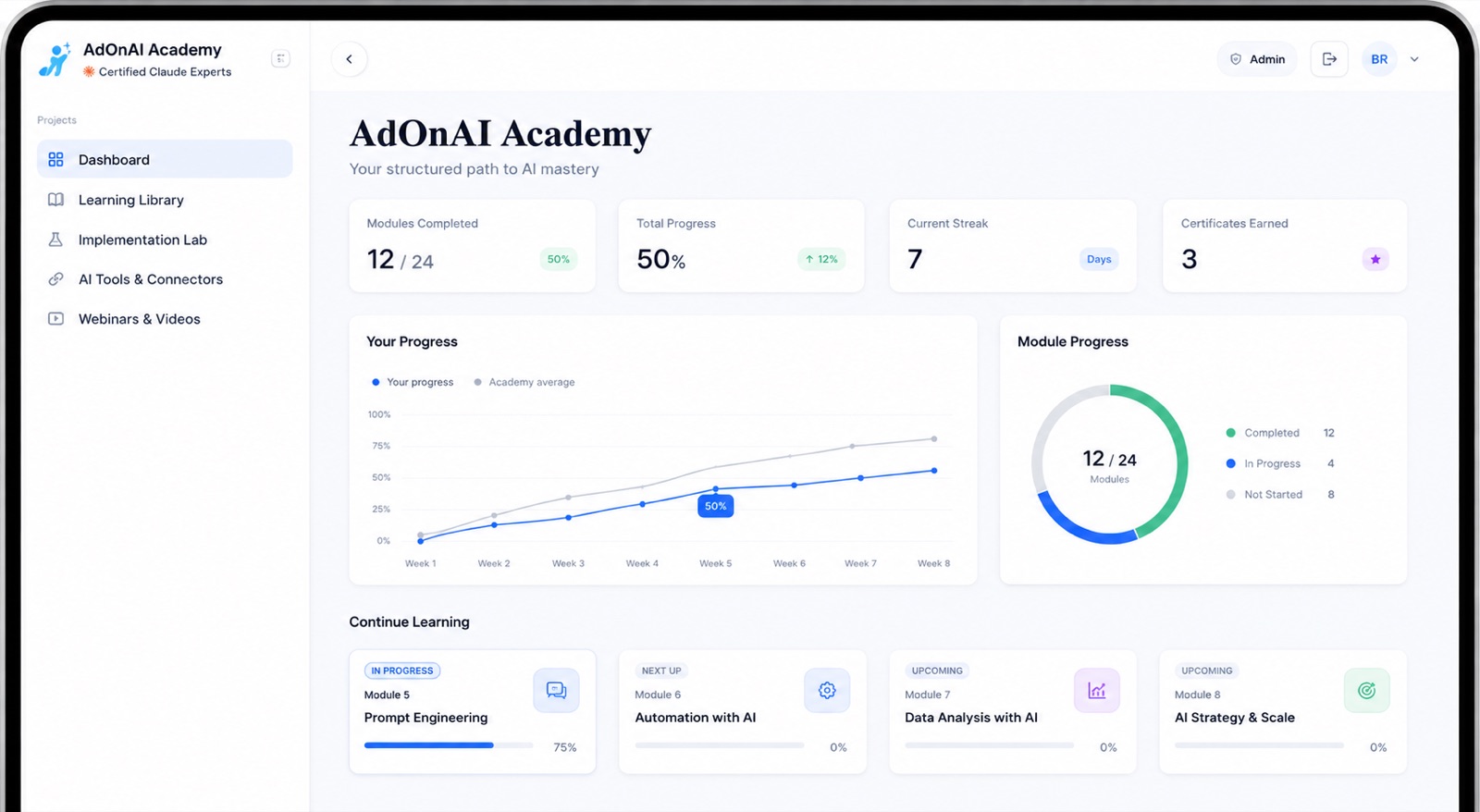
24 interactive modules, self-paced, yours for life. The modules keep growing as AI does, so what your team learned last year does not quietly go out of date.
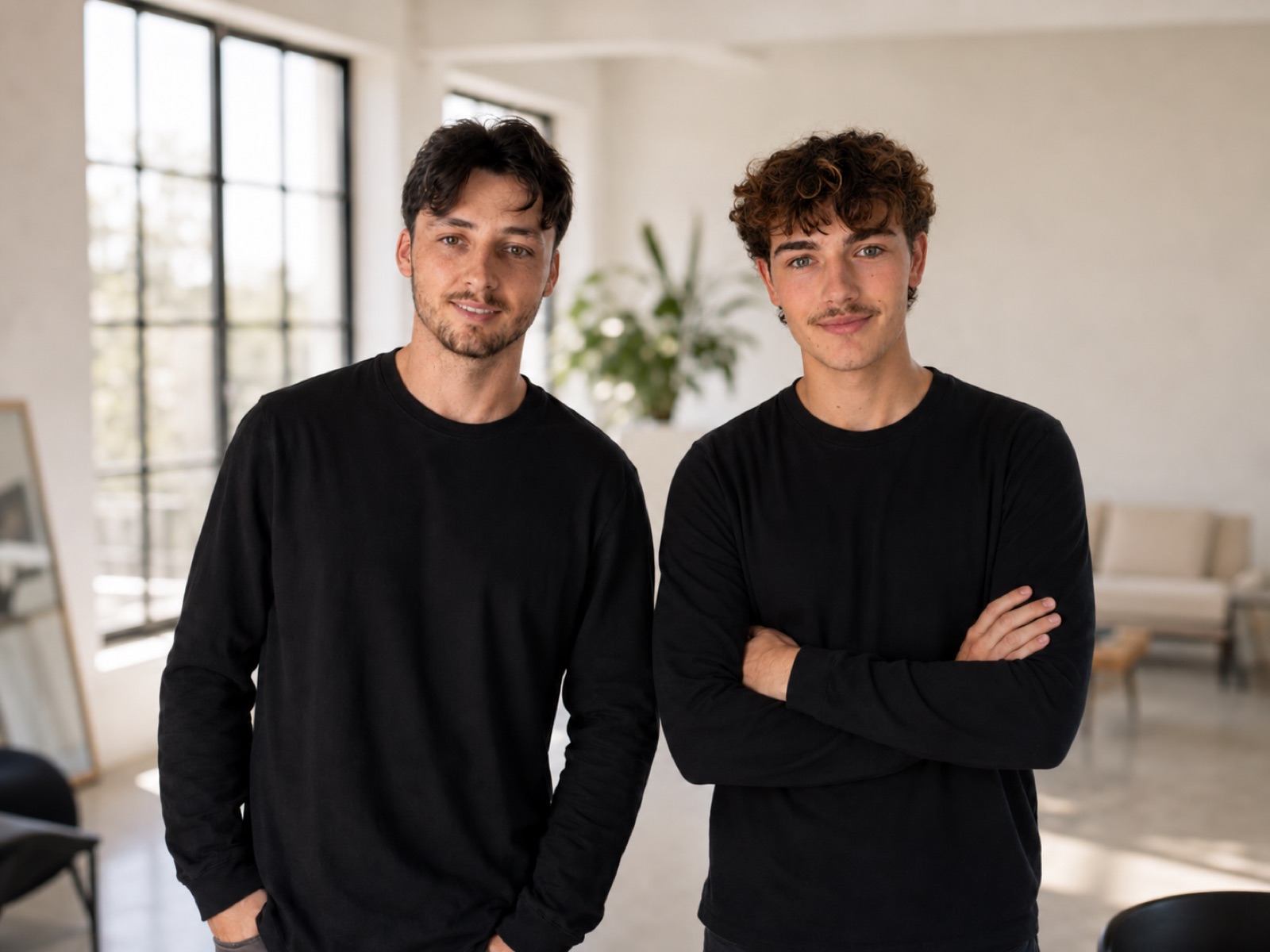
An hour each, one to one with a Claude Certified Associate, spent on your team's actual work rather than a curriculum. This is where the difficult, specific problems get solved.
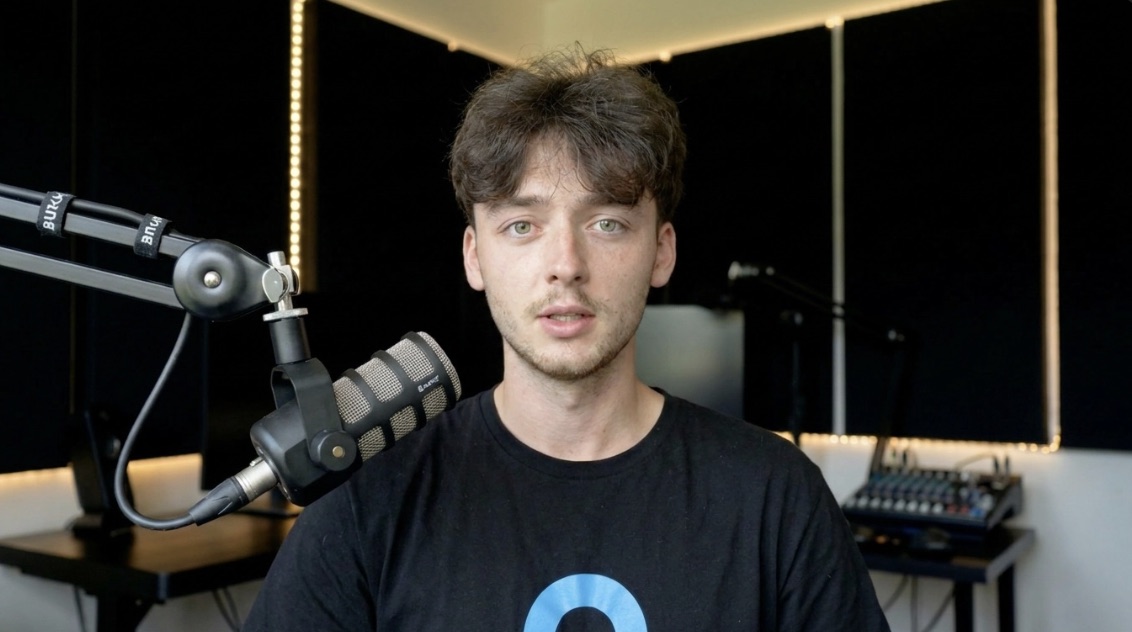
Fresh sessions and podcasts on real business applications, released weekly — because the tools change monthly and a course recorded last year cannot keep up on its own.
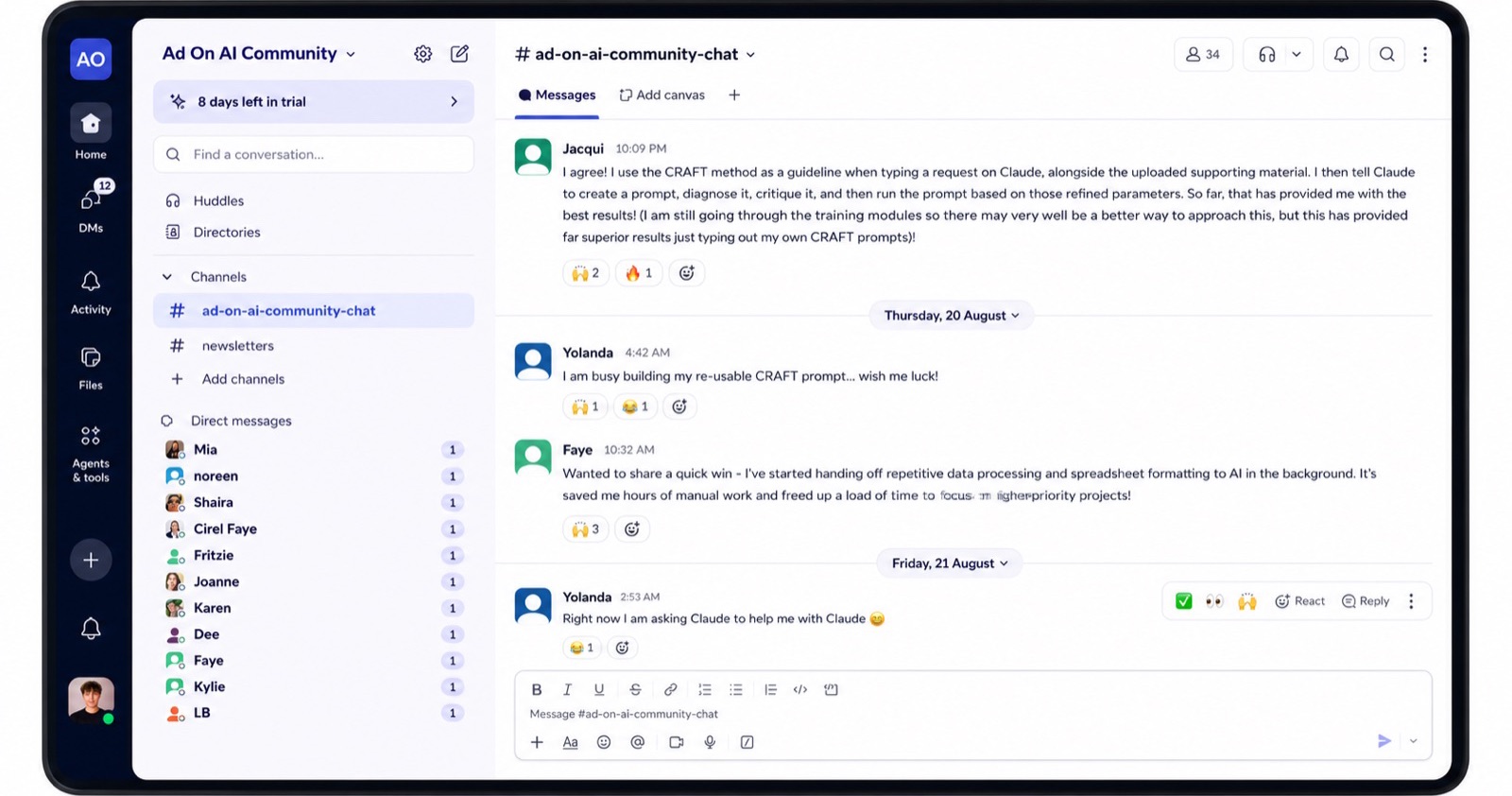
A closed space to ask, share and show what is working, alongside staff from other Australian businesses using AI daily. Most people find the peer answers as useful as ours.
Get in touch and we'll show you how AI fits your practice — which tasks to start with, what three months looks like for a team your size, and what it costs. Or take the AI audit first: six questions, about a minute.
We're on the Gold Coast, we work across South East Queensland and Northern NSW, and we have an office in Adelaide. The program runs online and self-paced, so your team gets the same thing wherever they are.
The Sunshine Coast and Gold Coast both have fast-growing older populations, which shows up inside a practice as more recalls, more specialist correspondence and more patient questions per clinician. Practices in Ipswich and Logan more often raise sheer patient volume against a small front desk.
A workshop teaches awareness; three months changes behaviour. Practice staff leave a workshop interested and are back to writing letters the old way inside a fortnight, because nobody built the habit on real correspondence. Our program runs across three months on your practice's own work, and the ongoing support keeps it current as the tools and the rules move.
With the right tool tier and the right workflow, which is exactly what the training establishes. Safety here is a function of setup and habit rather than of the tool alone — and most practices currently have neither while staff use these tools anyway. The program closes that gap and leaves you with a policy.
It's quoted per team size, and the three months is a fixed cost rather than an open-ended engagement, so you know the total before you start. Tell us who you'd send and we'll give you the number, along with the tasks we'd expect to compress first.
Dedicated clinical scribe products exist and some practices use them — that's a separate purchase with its own compliance questions. Our program builds the practice's own capability across administration, correspondence and patient communication, which is the larger and far less served part of the workload.
Practice managers and reception get the most immediate return, because their work is highest in volume and lowest in clinical risk. Clinicians usually join for the correspondence and patient-explanation modules. You don't need to send everyone.
Yes. Dental, allied health, specialist and veterinary practices share the same administrative shape — referrals, recalls, patient explanation and policy upkeep. The examples are adjusted to the practices in the cohort.
Correspondence drafting and patient explanations usually land in the first fortnight, because they're frequent and immediately noticeable. The larger workflow changes take the full three months to bed in.
Take the audit and you'll know in a minute where your practice stands and which tasks to start with. Or get in touch and we'll walk through the first month, including the privacy questions your practice manager will want answered.